A treasurer in a 40-unit condo association spends the Saturday before every board meeting hunched over a spreadsheet, copying bank balances by hand. Monday still arrives with numbers that don't match the reserve account. That gap between what the board thinks it has and what it actually has is where special assessments get born. Financial reporting automation closes that gap by pulling real numbers directly from your accounts instead of relying on whoever volunteered to be treasurer this year. This article covers how automated HOA financial reporting works for a condo association or self-managed HOA, what it costs, how to switch, and the accuracy gains boards see.
Key Takeaways
- Automated financial reporting replaces the once-a-month treasurer scramble with continuous, real-time statements generated directly from bank and reserve data.
- A general ledger stores only transaction data, while the record-to-report process it feeds is what automated systems handle for boards.
- AI chat tools can explain financial concepts but cannot reconcile accounts or pull live transaction data the way connected HOA reporting software does.
- Smaller associations, even those under 50 units, often recoup software costs within months by reducing manual reconciliation time.
- Continuous, logged financial reports shorten the window in which fraud or misallocated funds can go undetected compared to monthly manual statements.
What automated financial reporting is and how it works for HOAs
Automated financial reporting connects your association's bank accounts, dues collection, and reserve accounts to automated financial management tools built for HOA boards that generate statements automatically. Instead of a treasurer exporting transactions and keying them into a spreadsheet, financial reporting automation continuously imports financial data and categorizes it against your chart of accounts, eliminating manual data entry. The result is a balance sheet, income statement, and reserve summary that update as money moves, not once a month.
The reason this matters for volunteer board members is simple: most treasurers aren't accountants. Every board relies on people with full-time jobs who shouldn't have to double as bookkeepers. Financial reporting automation removes the retyping step, improving accuracy and the day-to-day reliability of HOA financial reporting. Boards that want a deeper foundation before automating anything can start with this guide to reading HOA financial statements, which makes it easier to spot when an automated report looks off.
Pulling reports continuously rather than at period-end is sometimes called continuous accounting, a model built on financial reporting automation that treats HOA reporting as an ongoing process instead of a monthly event. The American Institute of CPAs explains the broader shift toward continuous close and real-time reporting that larger finance teams already use, and its AICPA guidance on community association accounting applies many of the same principles to HOAs specifically. A self-managed HOA gets the same benefit on a smaller scale: current numbers, available any day, without a month-end bottleneck.
How accuracy improves when HOAs switch from spreadsheets to automated reporting
Spreadsheets break in quiet ways. A dragged formula overwrites a reserve line, a bank balance gets typed as $12,400 instead of $14,200, and nobody catches it until the auditor does. With automated reporting, numbers come straight from the source: the bank feed, the dues collection system, the reserve account. Skipping manual data entry removes transcription errors at the source, since a number read directly from a bank feed never passes through a keyboard where it can be fat-fingered. This kind of error is especially common in smaller associations, which is why so many boards look for ways to improve bookkeeping accuracy in small HOAs before problems compound.
Reconciliation is the other big win, central to any real financial close process. Automated accounting software matches each transaction to the bank record and flags anything that doesn't line up, helping prevent fraud by surfacing irregularities early. A manual process relies on someone remembering to reconcile. An automated one makes an unreconciled item visible on every report until it's resolved.
Many boards assume their management company already guarantees financial accuracy. In reality, opaque monthly statements from a third party are exactly where misallocations hide. The Community Associations Institute publishes guidance on association financial management that stresses board responsibility for oversight, a duty every director holds and one that's far easier to meet when reports are real-time and traceable to source transactions.
Step-by-step: how to get started with automated financial reporting for your board
Start with your bank. List every account the association holds: operating, reserve, and any CDs. Automated reporting only works when every account is connected, so access is step one.
Next, rebuild your chart of accounts to match how your community actually spends. A generic template won't track your landscaping contract, pool maintenance, and reserve categories cleanly. Map income and expenses against your current HOA budget so every line in your reporting ties back to a real spending category.
Then connect your dues collection. When homeowner payments flow into the same system that generates reports, your delinquency numbers stay current automatically.
Run parallel for one cycle. Keep your old spreadsheet alongside the new system for a single month and compare outputs. This builds board confidence and catches any misclassified transactions before you rely on the automated reports.
Finally, set a review cadence. Even with automated financial reporting, a treasurer should glance at flagged items weekly. Automation tools handle the math; the board handles the judgment. That division is the point.
How to switch from manual/legacy HOA accounting to an automated system
Switching scares boards more than it should. The fear is losing historical data or botching the transition mid-year. Neither is likely if you move deliberately.
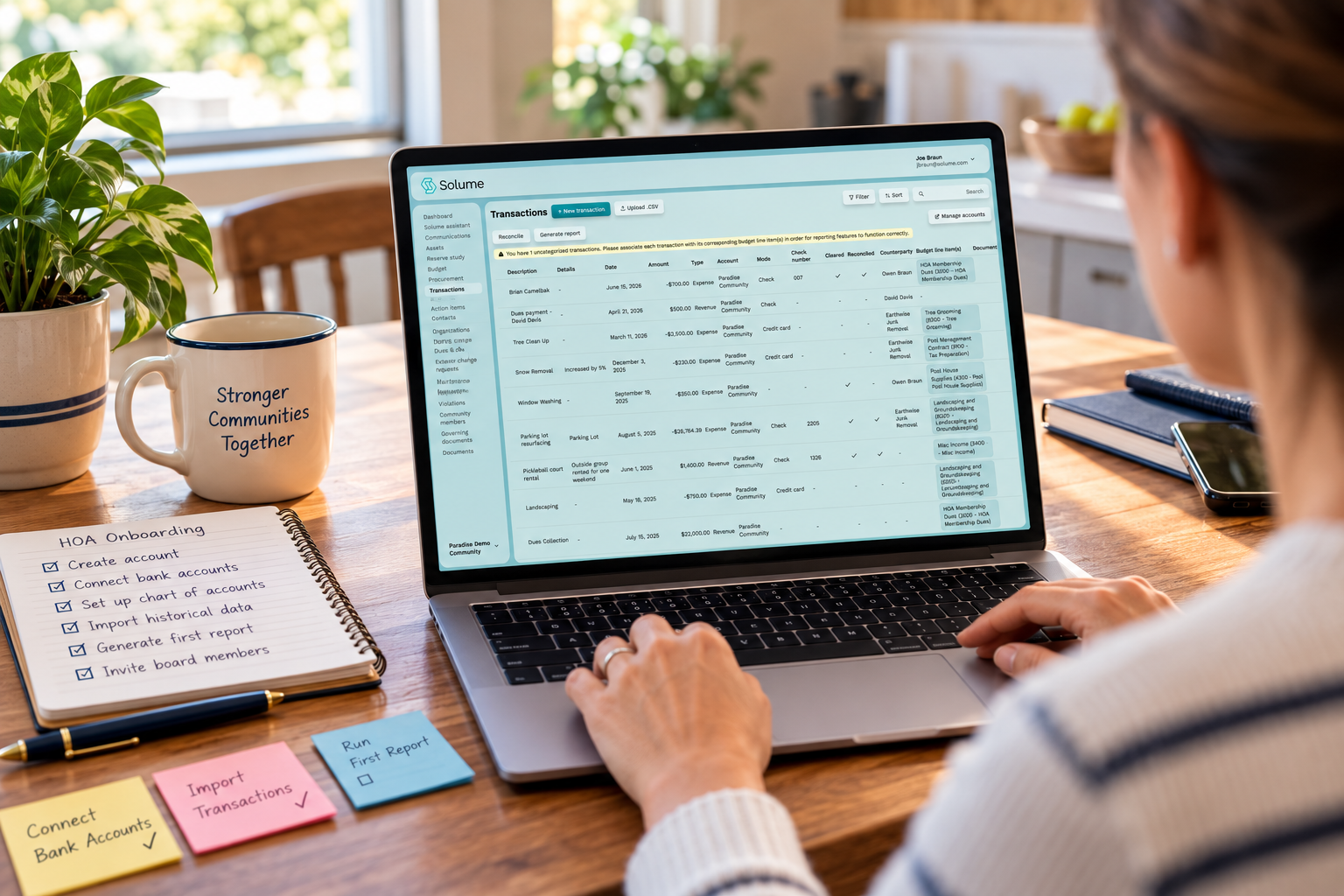
Export your existing records first. Most legacy HOA management software, and even QuickBooks, let you pull transaction history and your trial balance. Keep that export as your starting balance so the new system opens with accurate numbers.
Pick a clean cutover date, usually the start of a fiscal quarter or year. Enter opening balances for every account as of that date instead of re-keying years of granular history through manual data entry. Boards that attempt a full historical migration are the ones that stall. A clean opening balance gets you running in days.
Assign roles in the new system so the audit trail is meaningful from day one. When each board member has a distinct login, you can attribute every entry and change, which supports fraud prevention and the fiduciary duty each director owes the association.
Then archive the old files. Don't delete them, but stop maintaining two systems. Running manual processes alongside automation indefinitely defeats the purpose and doubles the work.
HOA financial reports suitable for automation (budgets, balance sheets, reserve reports)
Not every document is a candidate for automation, but the core financial statements are. The balance sheet pulls assets, liabilities, and fund balances directly from connected accounts and updates itself whenever money moves. The income statement, or budget-to-actual report, is the one boards look at most, and automation keeps the "actual" column honest without manual tallying.
Reserve reports belong here too. When your reserve planning data lives in the same system as your reserve account balance, the software can show contributions against plan in real time. Delinquency and dues collection reports round out the set, flagging who's behind before it becomes a cash flow problem.
Automation also makes financial ratio calculations and trend analysis practical for small boards tracking a condo association's year-over-year performance, turning raw financial data into a comparison instead of a chore. Comparing this quarter's expenses to last year's used to mean building a pivot table by hand. Now it's a toggle.
Solume, HOA management software that generates these board-ready reports, including reserve and budget comparisons, directly from your connected accounts, handles the record-to-report work most self-managed boards don't have time to do by hand.
ROI and concrete outcomes of automating HOA financial reporting
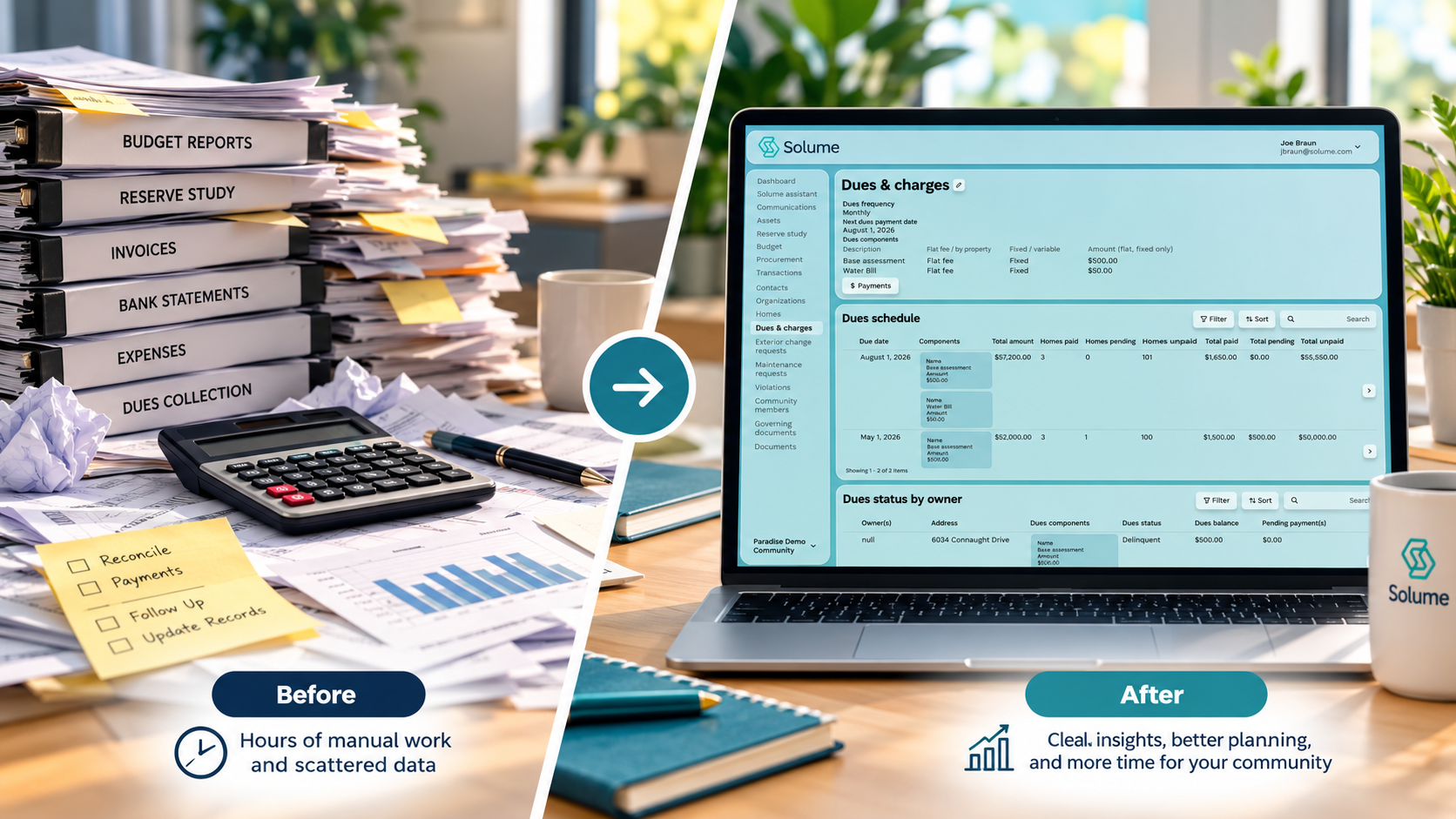
The return shows up in hours first. Picture a self-managed HOA where the treasurer spends six hours a month reconciling and building reports by hand. Cut that to one hour of review, and you've handed volunteer board members back roughly 60 hours a year. For a board fighting burnout, that time is the entire argument.
The financial outcomes compound from there. Real-time reporting means the board spots a reserve shortfall in month three instead of at the annual meeting, which gives it time to adjust dues gradually instead of levying a panic special assessment. Catching deferred maintenance funding gaps early is cheaper than funding them late, because the longer a repair waits, the more it costs to complete.
Financial transparency also builds trust. When homeowners can see current, accurate statements instead of waiting on quarterly PDFs, the adversarial tone at meetings cools down. That's harder to put a dollar figure on, but any board president who's run a hostile annual meeting knows its value.
Pricing and what automated reporting software costs for self-managed HOAs
Boards expect HOA management software to cost what a management company costs. It doesn't. Most purpose-built platforms price per unit or per month, and for a small to mid-sized community the annual cost often lands well below a single month of full management fees.
Here's the hard truth about pricing: the real comparison isn't software versus free spreadsheets. It's software versus the hidden cost of errors, the treasurer's unpaid hours, and the special assessments that surprise funding gaps trigger. Measured that way, automation tools frequently pay for themselves within months, even for a self-managed HOA under 50 units.
Watch for what's bundled. Some accounting software charges separately for dues collection, document storage, or reserve tracking, and those add-ons stack up. A platform that includes reserve study integration, dues collection, and reporting in one price is usually cheaper than assembling three tools.
Many vendors, Solume included, offer a free trial so the board can test real reports against its own numbers before committing. Costs and features vary, so compare on total value, not sticker price.
Integrating reserve study data into automated financial reporting
Most HOA software treats the reserve study as a document you file and forget. That's backward. A reserve study is a funding plan, and it only works if you continuously measure actual contributions against it through disciplined reserve planning.
When that data feeds into your reporting, the board sees funded percentage, contribution-versus-plan, and projected shortfalls on the same dashboard as everything else. That connection turns a static report into a decision tool, keeping the HOA budget grounded in actual reserve performance rather than guesswork. Most special assessments stem from a reserve plan nobody tracked against reality until the roof needed replacing.
This also matters for state compliance and regulatory reporting, since boards must meet state requirements and state-specific disclosure rules without a dedicated compliance officer on staff. Several states now mandate reserve studies and specific disclosures. For example, Florida's structural integrity reserve study requirements, enacted after the Surfside condominium collapse, tightened reserve funding and inspection obligations for many condo associations, though boards should verify current requirements directly in state statutes rather than relying on summaries. Associations that handle any tax-exempt filings alongside these disclosures should also keep the IRS guidance on homeowners association tax filing on hand, since reserve and compliance reporting often intersect with annual tax obligations. Automated tracking and built-in compliance checks can help a board stay organized, but they don't replace confirming requirements with a qualified professional.
Solume builds reserve study tracking into its financial reporting, so contributions and funding targets stay visible alongside the operating budget instead of sitting in a binder. Boards should still confirm their state's regulatory reporting requirements with a qualified professional, as this article is not a substitute for legal or accounting advice.
Automating dues collection, tracking, and reconciliation to close the reporting loop
Reporting is only as accurate as the money flowing in. If dues collection sits in one system and reporting in another, someone has to bridge them manually through data entry, and that's where delinquency numbers go stale.
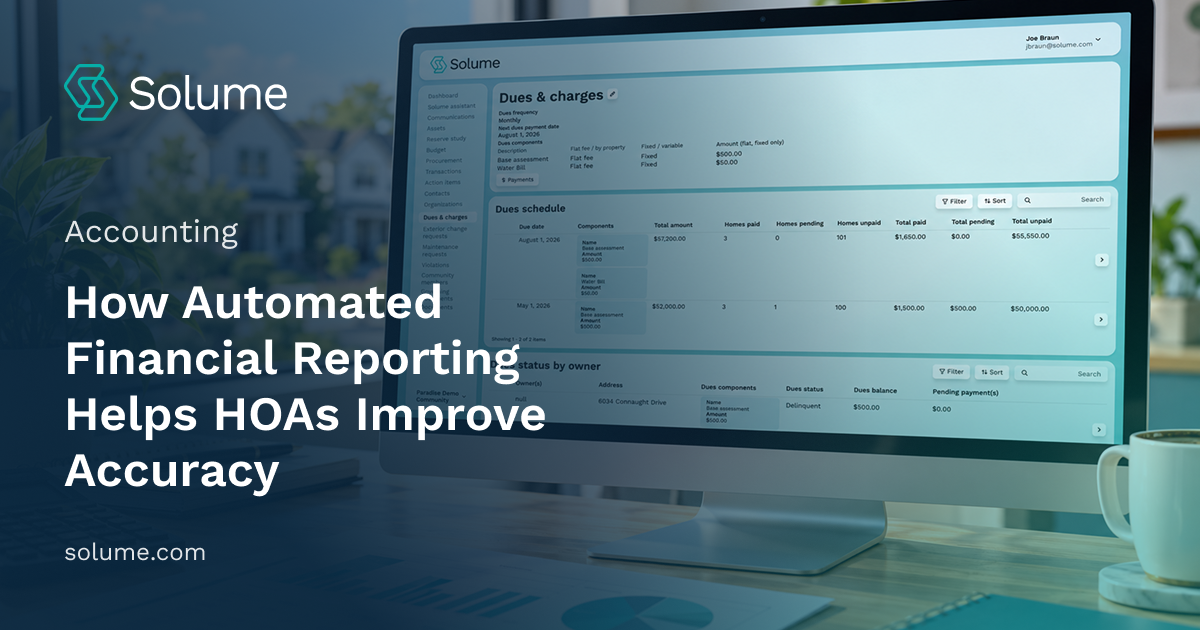
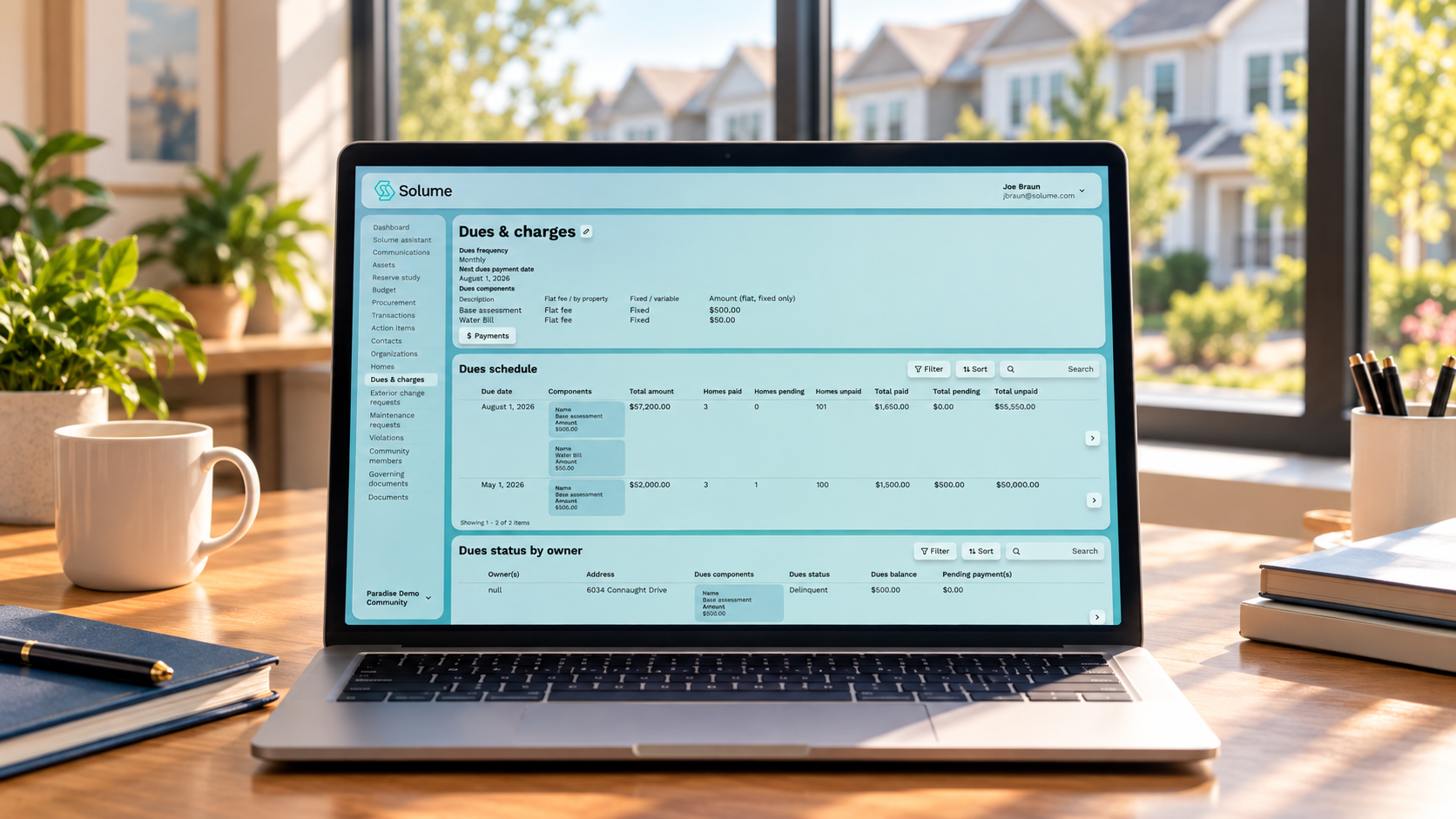
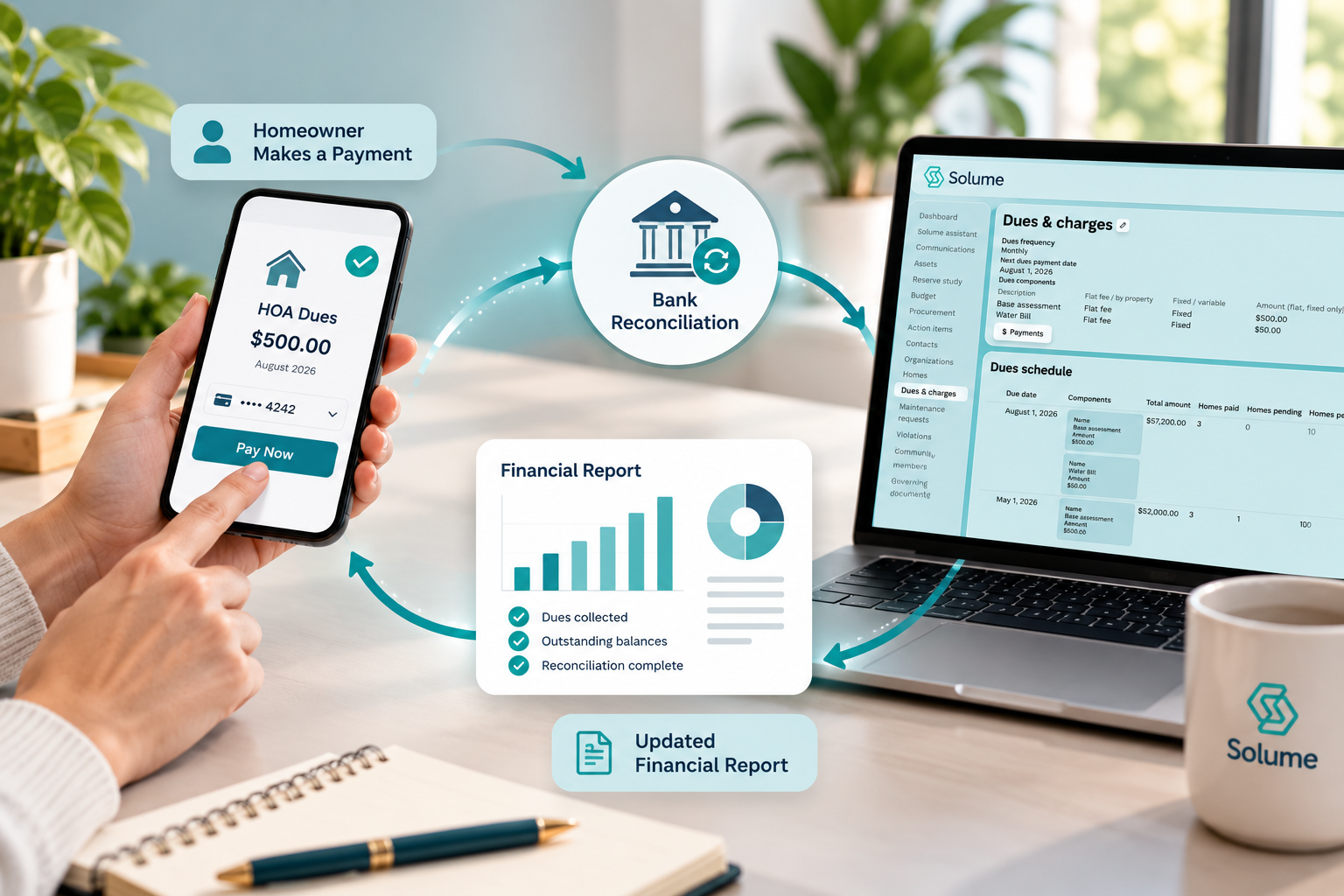
Closing the loop means homeowner payments, the ledger, and the reports all share one source. When a resident pays online, the transaction posts, reconciles against the bank feed, and automatically updates the delinquency report, eliminating the manual work that slows a busy condo association's financial close. Consider a treasurer who logs an online payment in the dues system but forgets to post it to the ledger: the delinquency report shows the homeowner as behind, a reminder notice goes out, and the board spends a meeting untangling a complaint that a single shared record would have prevented.
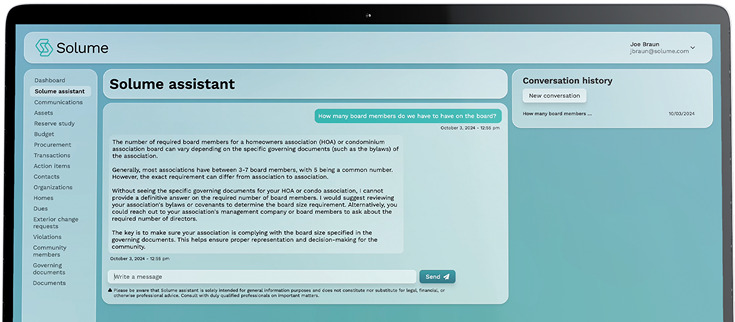
This also strengthens the audit trail boards lean on when someone questions a figure. Every payment is timestamped and attributed, so the board can trace it back to the exact transaction, supporting both compliance and the fiduciary duty to account for every dollar. Boards that want an extra layer of oversight can lean on a 24/7 AI Assistant that flags reporting errors as transactions come in, rather than waiting for a monthly review to catch a mismatch.
Solume automates dues collection with flexible payment options and reconciles those payments in the same system that generates financial reports, so volunteer board members get accurate numbers without manual processes.
If your board wants cleaner financial statements, reserve tracking that actually ties to your funding plan, and dues collection that reconciles itself, it's worth seeing whether automated financial reporting fits your community. You can book a 15-minute call to see how it works with the Solume team and compare real reports against your current numbers, no pressure to switch.
Frequently Asked Questions
What software do HOAs typically use for automated financial reporting?
Legacy accounting tools like QuickBooks are common, but they weren't built for HOA-specific needs like reserve fund tracking or assessment schedules. Purpose-built HOA platforms, including Solume, automate the reporting layer on top of accounting so boards get budget-to-actual, reserve, and delinquency reports without manual exports.
What are the basic steps involved in financial reporting for an HOA?
The core cycle is: record transactions, reconcile bank accounts, categorize income and expenses against the budget, generate statements (balance sheet, income statement, reserve summary), and distribute them to the board and homeowners. Automated systems turn this into a continuous process rather than a month-end scramble, which matters for boards that review finances only at a single monthly meeting.
Is a general ledger the same thing as record-to-report?
No. The general ledger (GL) is the underlying record of every transaction, while record-to-report (R2R) is the broader process of turning that ledger data into finished financial statements and board-ready reports. For HOAs, automated financial reporting tools sit on top of the GL and handle the R2R work automatically, rather than relying on a treasurer to build reports by hand each month.
Can AI tools like ChatGPT replace automated financial reporting software for an HOA?
ChatGPT can summarize numbers you give it or explain financial terms, but it can't pull live data from your bank account, reconcile transactions, or flag a reserve shortfall on its own. Automated financial reporting software connects directly to the association's accounts and reserve data, so reports reflect real, current numbers instead of what a board member manually typed in.
What happens if the automated reports don't match what the board expects?
Discrepancies usually trace back to a miscategorized transaction or an unreconciled bank feed, not a flaw in the automation itself. Good HOA financial reporting tools flag unreconciled items and let the treasurer drill into the source transaction, so the mismatch gets corrected at the data level instead of hidden in a static spreadsheet.
Does automated financial reporting reduce the risk of fraud in an HOA?
It reduces the window for fraud to go unnoticed by generating reports continuously rather than once a month, and by logging who entered or changed each transaction. It doesn't eliminate the need for a second set of eyes, such as board review or an annual audit, but it makes irregularities easier to spot early.
Can automated financial reporting handle state-specific HOA compliance requirements?
Automated reporting tools can generate the standard financial statements many states require boards to disclose to homeowners, such as budget comparisons and reserve fund balances. However, states like California, Florida, and Colorado have distinct disclosure timelines and reserve funding rules, so boards still need to confirm their software's report formats match their state's specific statutory requirements.