A volunteer treasurer who still mails paper statements loses a weekend every month to printing, stamping, and manually reconciling deposits. Then they still end up chasing three homeowners who swear they already paid. Automated billing breaks that cycle by turning dues collection into rules the software runs on its own: invoices go out on schedule, payments process, and late notices fire without anyone remembering to send them. This guide walks through how to set up automated billing for your HOA dues, what features actually matter, and how to switch over without breaking your books.
Key Takeaways
- Automated billing replaces manual dues tracking with rule-based invoicing, payment retries, and late-fee notices triggered on a set schedule.
- Manual invoicing costs roughly $15 per bill compared to $2-$5 when billing is automated, a gap that compounds for communities billing dozens or hundreds of units monthly.
- Self-managed HOAs typically need recurring assessment billing as the core method, with the flexibility to add one-time special assessments or fines without manual workarounds.
- Automated payment retries and dunning sequences catch failed dues payments faster than a volunteer treasurer checking bank statements by hand.
- Boards remain responsible for budgeting and compliance decisions even after automating billing, since software handles the transactions but not the fiduciary oversight.
What automated billing means for HOA dues collection
An automated billing system runs the repeating parts of dues collection without human input. Instead of a treasurer generating each statement by hand, the software calculates each unit's assessment, sends invoices on the billing date, processes payments, and records them against the correct account. Recurring billing handles the monthly or quarterly assessments that make up most of an HOA budget, while one-time charges like special assessments or fines get layered in as needed. Boards new to this process often benefit from reviewing self-managed HOA software solutions before deciding which parts of dues collection to automate first.
This matters for self-managed communities because of cash flow predictability. Reserve contributions depend on on-time dues, and manual processes hurt reserve funding because every handoff, from printing to mailing to reconciling, adds delays, leaving money uncollected and making long-term planning harder. The Community Associations Institute's guidance on community association finances stresses consistent, documented collection practices, which a rule-based system enforces. Many boards assume billing automation is only for large associations. In reality, smaller volunteer boards benefit most, because they have the least time to spare.
Step-by-step guide to setting up automated dues billing
Here is how to set up automated billing for an HOA without guesswork. Follow these in order.
1. Pull your current dues schedule, assessment amounts, and billing frequency into one document so the data is clean before you import anything.
2. Build or import your customer database: every unit, owner name, contact email, and the assessment tied to that unit.
3. Choose an automated billing system that supports recurring assessment billing, not just generic invoicing.
4. Set your billing rules: amounts, due dates, grace periods, and late-fee triggers that match your governing documents.
5. Connect a payment gateway so residents can pay by ACH, card, or e-check.
6. Enable automated reminders before the due date and dunning notices after.
7. Run a test billing cycle on a few units, confirm the numbers, then turn it on community-wide.
The order matters because clean data drives everything downstream: if the unit and assessment records you import are wrong, every invoice, late fee, and report built on top of them inherits the same error. For questions about late-fee limits, see the IRS guidance on homeowners associations under Section 528 and confirm your specific state cap with your attorney before configuring penalties. Also review the legal rules governing HOA dues and assessments so your billing rules align with what your state permits.
Choosing the right automated billing system for your HOA
Not every automated billing software is built for community associations. General small-business invoicing tools handle one-off bills fine but choke on recurring assessments tied to specific units, reserve allocations, and HOA-specific reporting. Here's the hard truth: picking the wrong tool means you automate the easy 20% and still track the hard 80% in a spreadsheet.
Look for HOA management software designed around dues collection rather than retrofitted from retail billing. The system should map each payment to a unit and a fund, separate operating income from reserve contributions, and produce board-ready reports. Fund separation matters for fiduciary reasons: reserve money is legally earmarked for long-term repairs in most states, and mixing it with operating income is one of the fastest ways a board exposes itself to a compliance problem. Scalability matters too. A 40-unit condo association and a 300-home HOA have different volume needs, so you don't want to migrate twice. Solume is built specifically for self-managed boards, with automated dues collection and reserve study tools in one place, not bolted together from separate products. Confirm there's a free trial so you can test the billing cycle with real data before committing.
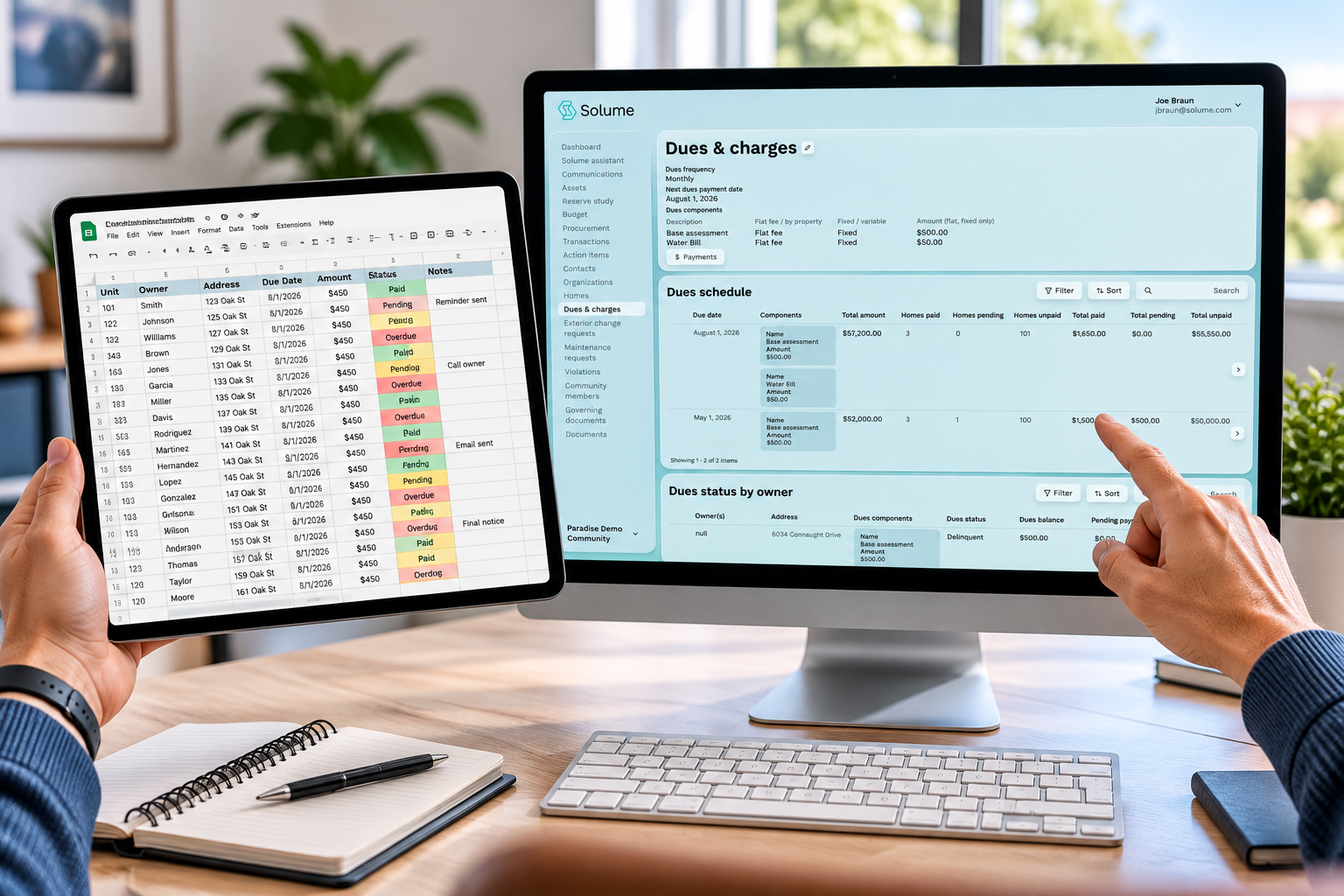
Flexible payment options and payment gateway integration for residents
Payment friction is the quiet reason dues come in late. A homeowner who has to write a check and find a stamp pays slower than one who clicks a link. Offering flexible payment options, ACH bank transfer, credit or debit card, and e-check, raises your on-time collection rate because you meet residents where they already are.
Payment gateway integration is what makes this work behind the scenes. The gateway securely connects your billing system to the banking network so funds move and reconcile automatically. The payment clears, the system marks that unit paid, and the ledger updates without a treasurer touching anything. Secure payment processing also keeps raw card and bank numbers off board members' own devices, which is safer than a volunteer storing account details in a file. For recurring billing, residents can enroll in autopay once and stop thinking about it, which is the single biggest driver of consistent dues collection.
Automated reminders and dunning for late or missing dues
Delinquent dues are a reserve-funding problem before they're a collections problem. Every unpaid assessment is money that doesn't go into the fund that covers roof replacements and major repairs. Automated reminders close that gap by nudging residents before and after the due date without the board lifting a finger.
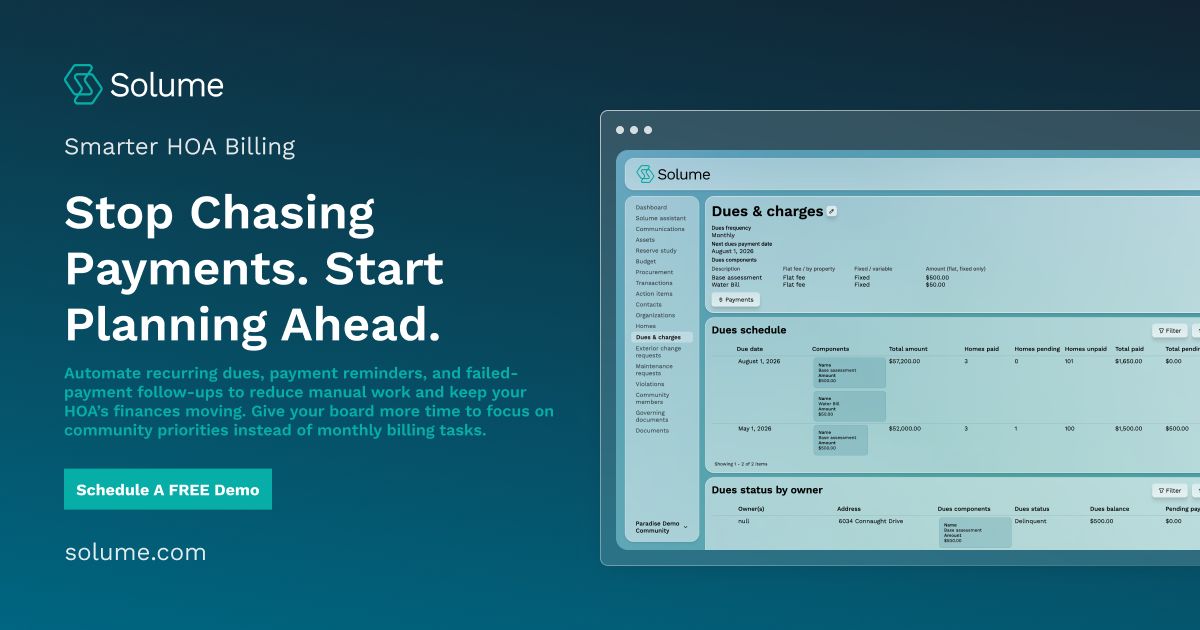
A good automated billing system sends a reminder a few days before dues are due, a notice the day after a missed payment, and an escalating dunning sequence if the balance stays open. When a card or ACH payment fails, the system retries the charge automatically and applies the late fee the board configured in advance. The root cause of most late payments isn't refusal; it's forgetfulness, and scheduled automated reminders solve that for the majority of accounts. Picture a 60-unit HOA where the treasurer only reviewed the bank balance once a quarter: by the time anyone noticed five owners had quietly stopped paying, the reserve fund was short heading into a planned repaving, and the board faced a special assessment it could have avoided. Solume automates this dunning cycle for self-managed boards, so a treasurer doesn't have to check bank statements by hand to spot who's behind. Keep a documented record of every notice sent. It matters if delinquent dues ever head toward a lien, and boards should consult their attorney before pursuing lien action.
Key features to look for in HOA billing software
Not all automated billing features carry equal weight. Focus on the ones that touch money and compliance directly.
- Recurring assessment billing tied to individual units, with support for one-time special assessments and fines.
- Multiple flexible payment options and reliable payment-gateway integration for secure processing.
- Automated reminders and a configurable dunning sequence with adjustable late fees.
- Reporting and analytics that separate operating and reserve funds and export cleanly for audits.
- A centralized customer database linking owners, units, and payment history.
- Audit readiness: a timestamped trail of every invoice, payment, and notice.
Skip the feature checklist arms race. A platform with fewer flashy extras but solid dues collection, reporting, and reserve tracking serves a self-managed HOA better than an online billing system packed with tools built for property managers you'll never use. The timestamped audit trail ranks near the top for a practical reason: if a delinquent account moves toward a lien, a clean record of every notice sent holds up when the process is questioned.
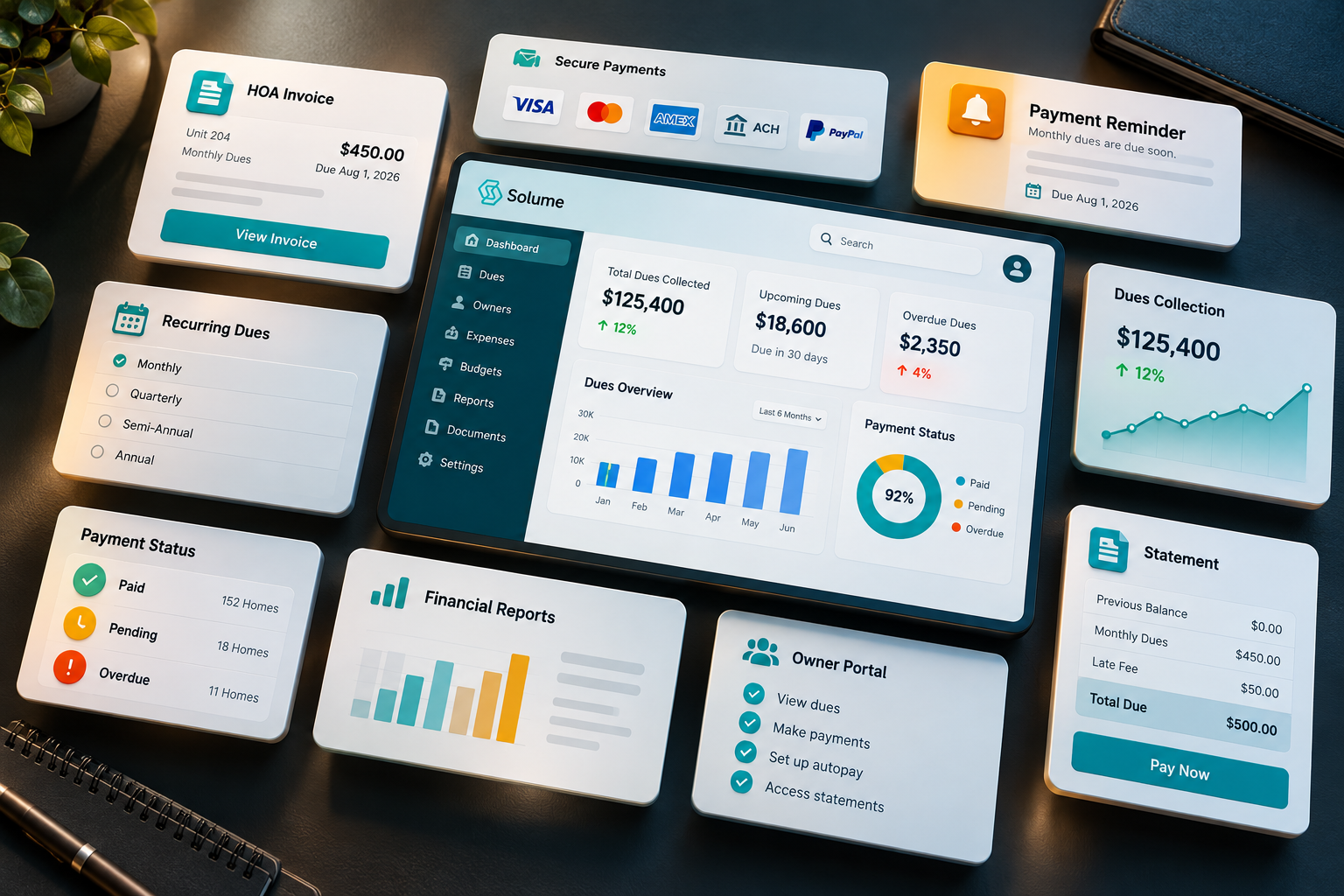
Benefits and ROI of automating HOA dues (time saved, fewer errors)
The numbers make the case fast. Manual invoicing runs roughly $15 per bill once you count paper, postage, and labor, while automated billing lands between $2 and $5. For a 100-unit community billing monthly, that difference adds up across a year. Solving these billing challenges saves time in the most literal sense: hours a volunteer treasurer no longer spends on statements, deposits, and reconciliation.
It also reduces errors, since a rule-based system doesn't transpose a digit, skip a unit, or forget a late fee the way a tired volunteer does at the end of a long week. Consider a self-managed HOA that kept dues in a spreadsheet and missed billing four units for two months straight, only catching it during tax prep. This is a common pain point covered in guides on improving bookkeeping for small HOAs, since manual tracking tends to break down exactly when a community grows past what one spreadsheet can handle. Automation makes that specific failure nearly impossible because every unit bills on the same schedule automatically. The real ROI for most boards is fewer missed payments and far less burnout.
Financial transparency and reporting for boards and homeowners
Distrust of HOA finances usually traces back to opacity, not misconduct. When homeowners can't see where dues go, they assume the worst. An automated billing system builds financial transparency by default because it records every transaction, categorizes it, and makes it available for reporting and analytics, rather than keeping it locked in one treasurer's head.
Good reporting gives board members financial insights they can act on: who's current, who's delinquent, how operating income tracks against budget, and how much is flowing into reserves. These reports also support compliance and audit readiness, since a clean, timestamped record is exactly what a financial review or state-mandated reserve study expects. This builds trust so effectively because transparency closes the information gap: when every homeowner can see the same numbers the board sees, there is nothing left to suspect. For a deeper look at how these pieces fit together, see this guide to HOA accounting and financial management. HOA laws and reporting requirements vary significantly by state, so confirm your obligations with your attorney and reference your state's specific HOA statute. For self-managed boards, publishing clear financial reports to homeowners is the fastest way to rebuild trust and keep the community stable.
Switching from spreadsheets or legacy HOA software to automation
Moving from spreadsheets to software feels risky, and that fear keeps boards stuck in manual processes longer than they should. Most boards assume migration means a chaotic month of double entry. In reality, a clean switch takes a few deliberate steps and one careful test cycle.
Start by exporting your current data: units, owners, balances, and assessment amounts. Clean it before import, because messy data is the main reason implementation stalls. Import into your new automated billing software, verify every balance matches your old records to the penny, then run a parallel test billing cycle before going live. Legacy HOA management software often charges for exports or locks your data, so budget time to untangle that. The implementation window for a small community association is usually a few weeks, not months. Use a free trial to practice the migration on real numbers before you commit your live dues collection to the new system.
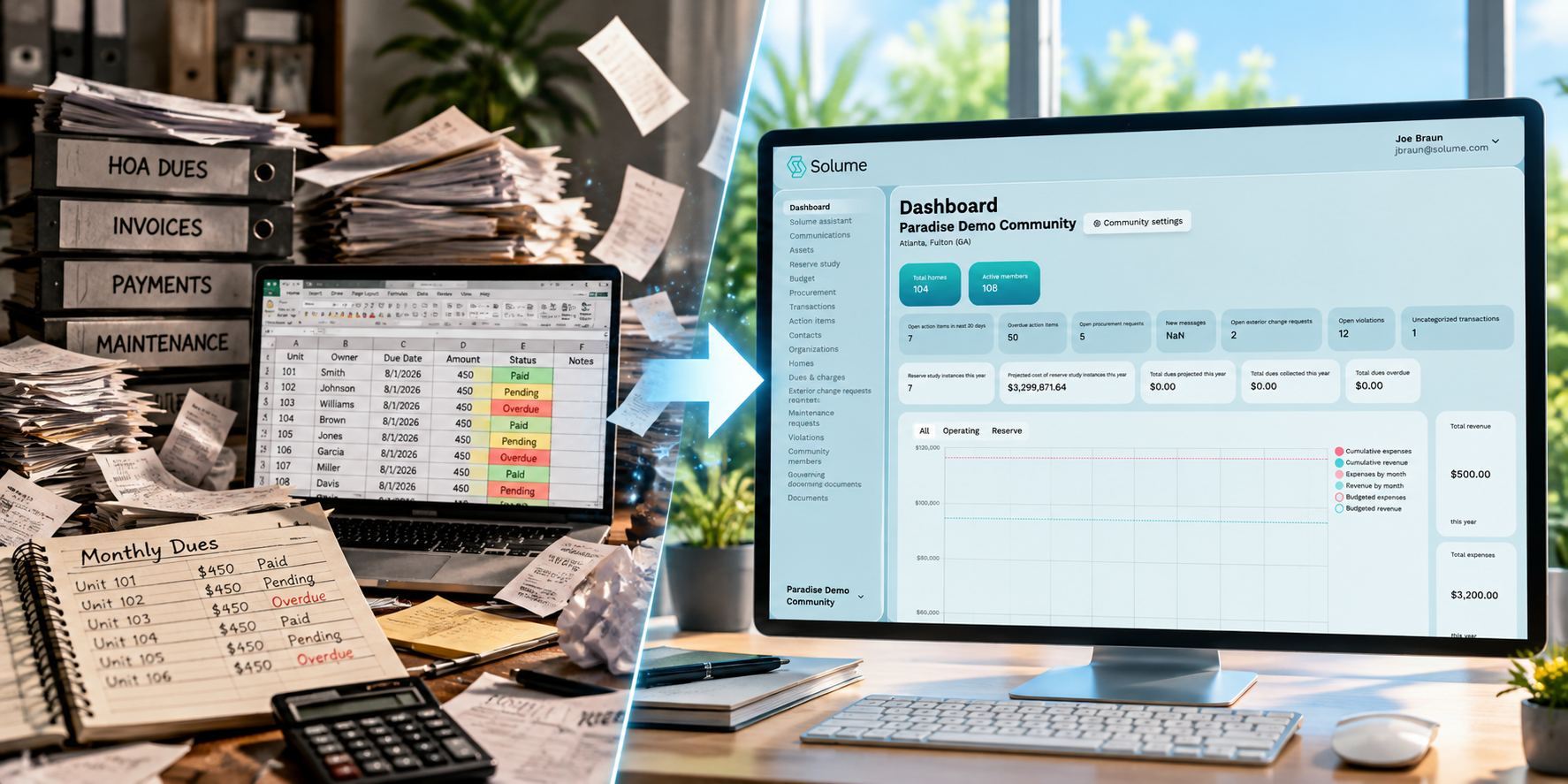
Switching to automated billing is less about the software and more about freeing your board to focus on long-term planning instead of chasing checks. If your board wants a clearer way to handle dues collection, reserve planning, and financial transparency without a management company, you can see how it works for your community on a 15-minute call to find out whether Solume fits how your board operates. No pressure, just a straight answer on whether automation makes sense for your size and situation.
Frequently Asked Questions
What does automated billing actually mean for an HOA?
Automated billing uses software to calculate dues, send invoices, process payments, and apply late fees based on rules the board sets in advance, without a treasurer manually tracking spreadsheets. For HOAs, this typically covers recurring monthly or quarterly assessments plus one-off charges like special assessments or fines.
How does automated billing work behind the scenes?
A rule engine triggers actions on a schedule or event, such as generating an invoice on the billing date, retrying a failed card payment, or escalating an account to a dunning or late-notice process. For self-managed boards, this replaces the manual cycle of printing statements, mailing notices, and reconciling bank deposits by hand.
What's the best way for a self-managed HOA to automate dues collection?
Look for a platform built around recurring assessment billing with flexible payment options (ACH, card, e-check) and automatic late-fee or reminder rules rather than generic invoicing software. Boards in compliance-heavy states should also confirm the system keeps a payment audit trail, since that record matters if a homeowner disputes a charge or the board faces a financial review.
What are the different billing methods an HOA might use?
Common approaches include flat recurring billing (fixed monthly or quarterly dues), usage-based billing (for shared utilities or amenities), and one-time or special billing (special assessments, fines, ARC fees). Most HOAs rely primarily on recurring billing but need a system flexible enough to handle the occasional special assessment without manual workarounds.
Is automated billing actually worth it for a small, volunteer-run HOA?
It depends on collection volume and board capacity: industry data shows manual invoicing runs roughly $15 per invoice versus $2-$5 automated, which adds up even for a community with 50-100 units billed monthly. For boards already stretched thin on time, the bigger return is often fewer missed payments and less treasurer burnout, not just the per-invoice savings.
What happens if a homeowner's payment fails under automated billing?
Most systems automatically retry the charge, send a reminder notice, and apply any late fee the board has pre-configured, rather than relying on someone to notice a bounced payment weeks later. This matters for HOAs because missed dues directly affect reserve funding, so faster failure handling protects the community's cash flow.
Can automated billing replace a management company for financial tasks?
It replaces many of the manual billing and collection tasks a management company handles, but it doesn't replace board judgment on budgeting, reserve planning, or legal compliance decisions. Boards still need to review reports and approve exceptions; the software removes the repetitive invoicing and tracking work, not the fiduciary responsibility.
Is automated billing secure enough to trust with homeowner payment data?
Reputable HOA billing platforms use encrypted payment processing and don't store raw card or bank details in the board's systems, which reduces risk compared to a treasurer manually managing checks and account numbers. Boards should still confirm the platform's compliance standards before migrating dues collection, especially in states with stricter financial oversight rules.